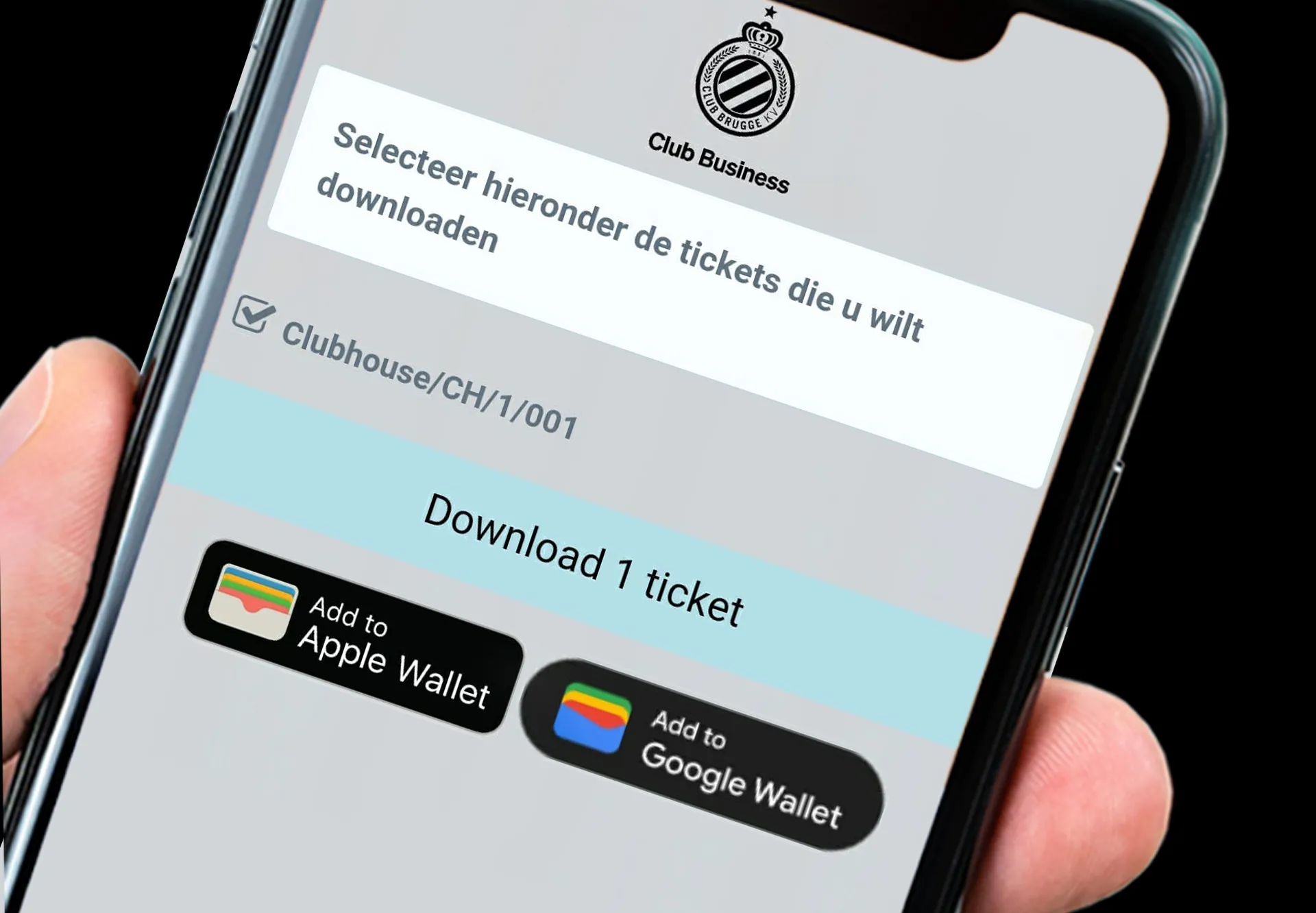
No more stress about empty ink cartridges, unreadable tickets after a winter downpour or e-tickets that prove untraceable on your smartphone. As a business customer, you can add the e-tickets for your Blauw-Zwart match to your personal wallet on your Android or Apple with the push of a button and you will no longer lose time at the entrance gates of Jan Breydel. How to.
Step 1 - Log in with your smartphone on your well-known VIP portal via https://vip.clubbrugge.be or via the Business Zone in the Club app.
Step 2 - Click on 'My tickets' at a match of your choice.
Step 3 - Enter your guest info, select your tickets and click 'Download tickets'.
Step 4 - Open your tickets and select the 'Add to Apple Wallet' button on Apple or 'Add to Google Wallet' on Android.
Step 5 - In one click, open your Wallet app when you visit Jan Breydel, scan the QR code and enjoy the match!